

Projects & Article Workers
Projects
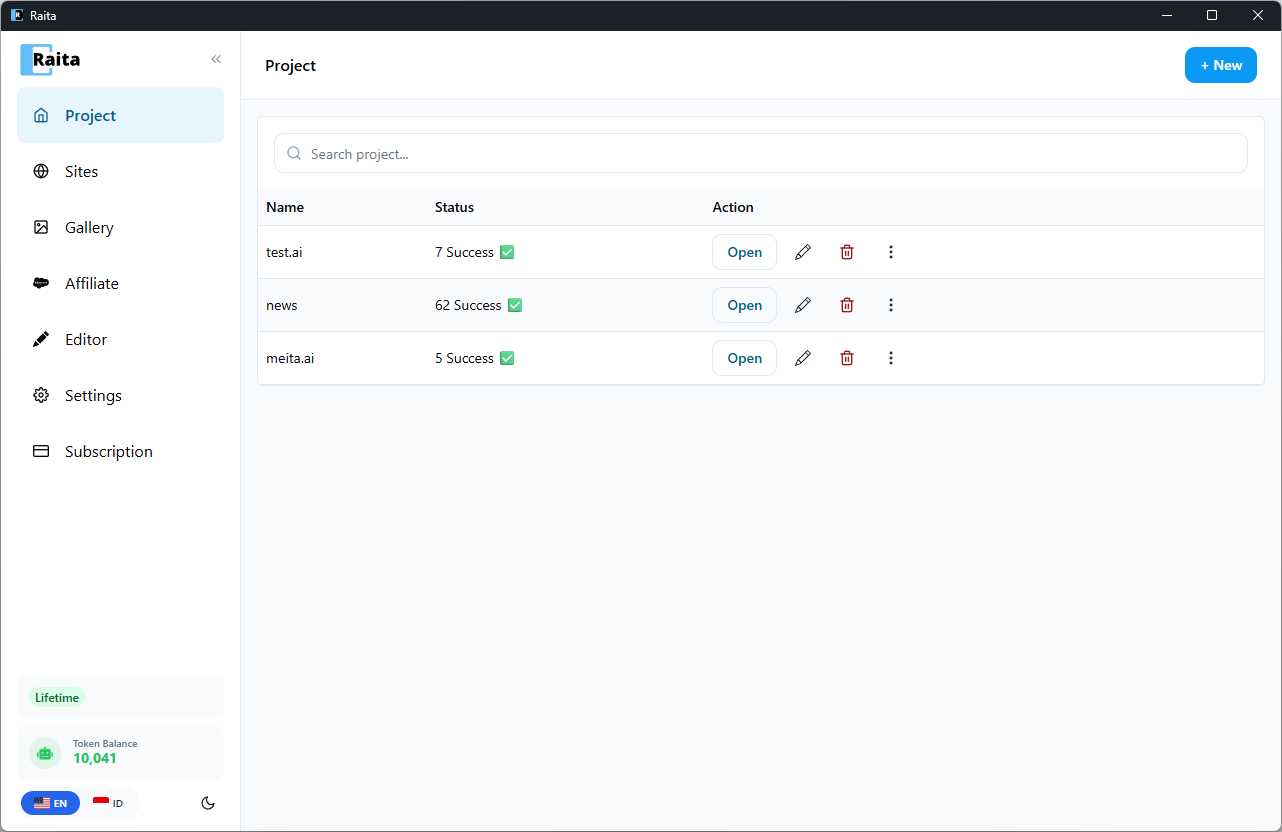
A project is a container for a group of related article workers. Think of it as a folder for one website or content campaign.
Each project has:
- A name
- A niche (used as a default
{niche}variable in prompts) - A language (used as a default
{language}variable)
Article Workers
An Article Worker is a single article generation job. Each worker has:
- A topic — the article subject
- A generation mode — Simple, Blaze, or Compose
- A prompt configuration — the prompts and settings for that mode
- A status — what state the worker is currently in
Worker Lifecycle
Workers move through these statuses:
| Status | Meaning |
|---|---|
| Pending | Queued, waiting to run |
| Running | Currently generating |
| Done | Generation complete, article available |
| Failed | Generation failed (see error in result) |
| Paused | Manually paused |
Worker Table
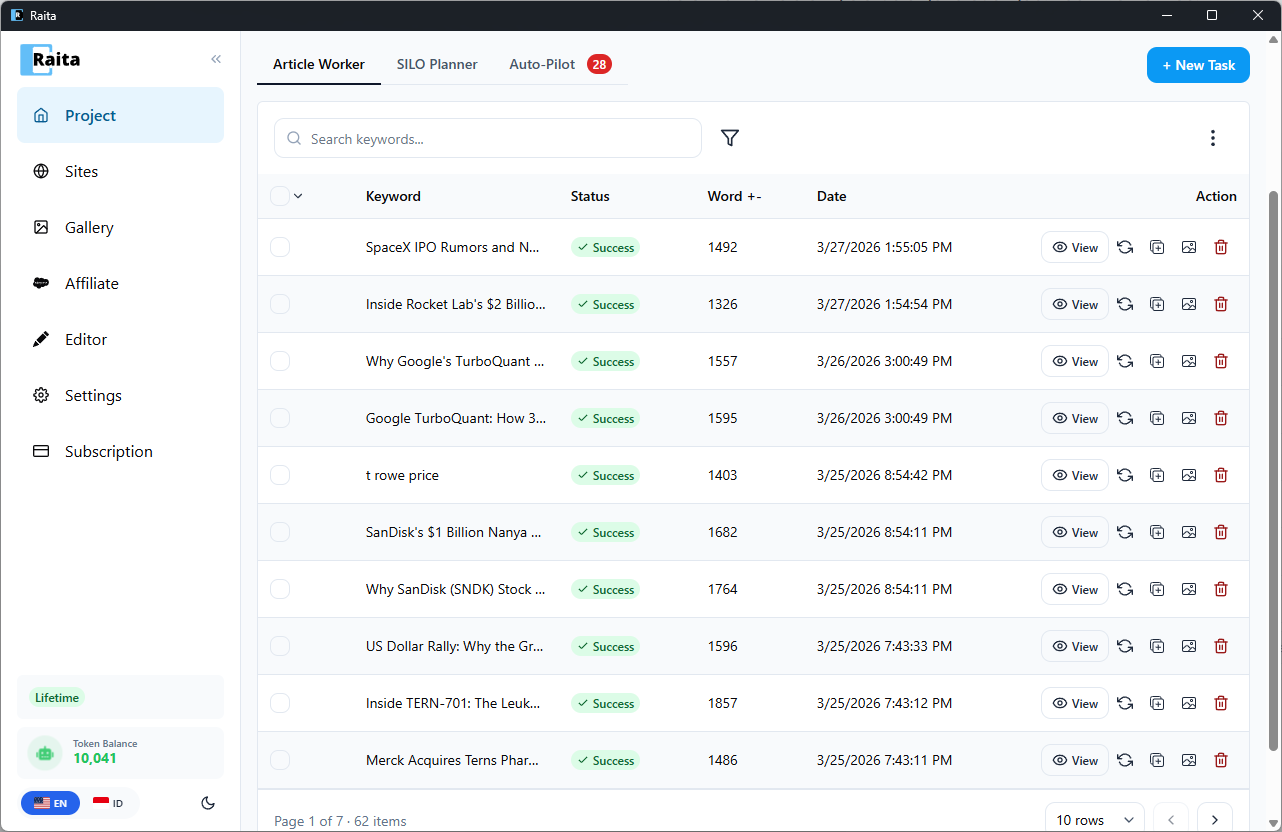
The main view of a project is a table of all its workers. From here you can:
- Click a row to view the generated article
- Select rows using checkboxes for bulk actions
- Filter by status, date, or keyword
- Bulk actions: retry failed workers, delete workers, export selected articles
Creating a Worker
Click New Task to open the worker creation form. See Simple Mode, Blaze Mode, or Compose Mode for detailed instructions on each generation mode.
Importing Workers
You can bulk-import workers from a CSV or XLSX file containing a list of topics. Go to the Import button in the project header.
Each row in your file becomes one worker. The file should have at minimum a topic column. Optionally include niche, language, and prompt fields.