

Format Lain
Selain WordPress, Raita dapat mengekspor artikel ke beberapa format lainnya.
Cara Mengekspor
- Pilih artikel di tabel proyek (gunakan checkbox untuk beberapa)
- Klik Export
- Pilih format Anda
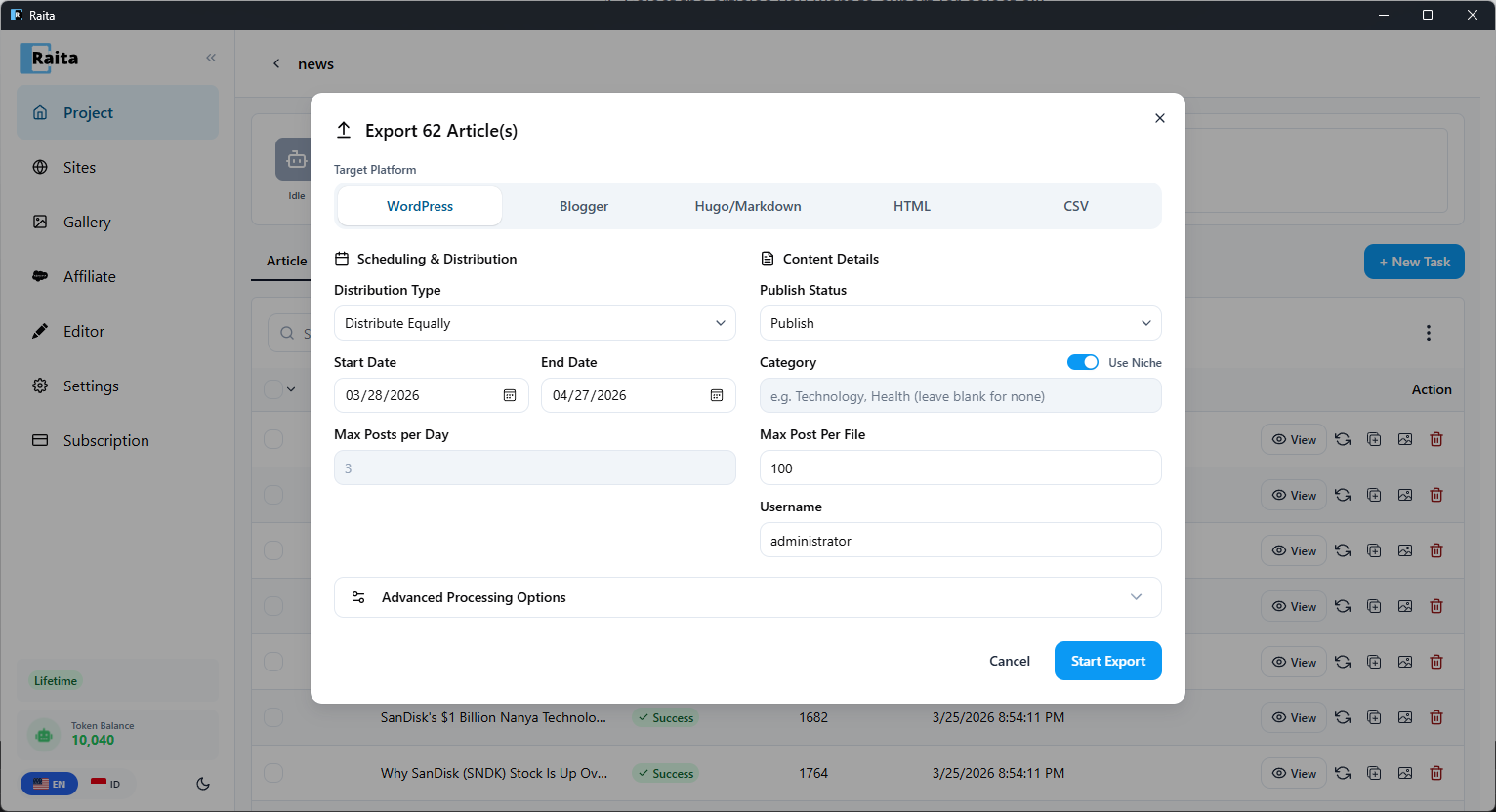
Blogger XML
Mengekspor artikel dalam format import Atom Blogger.
Untuk mengimpor ke Blogger:
- Di Blogger, buka Settings → Manage Blog
- Klik Import content
- Unggah file
.xml
Hugo / Markdown
Mengekspor setiap artikel sebagai file .md dengan front matter untuk situs statis Hugo.
Bidang front matter yang disertakan:
titledatedraft: false
Body: konten HTML artikel (Hugo merender HTML dalam file markdown).
CSV
Mengekspor semua artikel yang dipilih sebagai file .csv tunggal.
Kolom:
slugpublish_statusdatecontent(HTML)titlecategorydescription(meta description)keywordtags
Berguna untuk mengimpor ke CMS kustom atau tinjauan spreadsheet.
HTML
Mengekspor setiap artikel sebagai file .html mandiri dengan struktur dokumen dasar.
Berguna untuk hosting statis atau tinjauan lokal.