

Internal Links
Raita can automatically generate and inject internal links into your articles, using your crawled site index.
Prerequisites
You must have at least one site crawled in Site Connector.
Auto Internal Link (Blaze & Compose)
Enable Auto Internal Link in the worker form to have Raita automatically select and inject relevant internal links into the generated article.
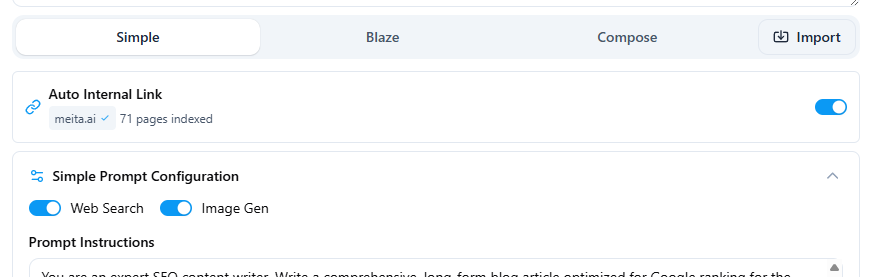
When enabled, Raita:
- Looks at the article's topic and generated content
- Finds the most semantically similar pages in your site index
- Inserts links to those pages at appropriate points in the article
Manual Internal Link Target
Instead of (or in addition to) auto internal links, you can specify an explicit Internal Link Target — a URL to your sitemap or a specific page list.
The {sitemap=URL} macro can then be used in your prompt to let the AI pick the most relevant linked page.
Internal Link Variables
Use these variables in your Blaze detail prompt or Compose section prompts to inject links at specific points:
| Variable | Mode | Inserts |
|---|---|---|
{internal_links} / {internalLinks} | Blaze | HTML anchor tags for all generated internal links |
{internalLink} | Compose | One internal link anchor tag |
{random5InternalLink} | Compose | 5 randomly selected internal link anchor tags |
Example Blaze detail prompt with internal links:
Write the section "{section}" for an article about {topic}.

Where relevant, naturally include some of these internal links:
{internalLinks}

HTML format, 300-500 words.
Troubleshooting
- If
{internalLinks}appears in the final article output (not replaced), it means no internal links were generated. Check that your site is crawled and the Internal Link Target is configured. - If your site crawl status shows Failed, go to Setting Up Site Connector and click Re-crawl after resolving any network or URL errors.
- Internal links are injected into a limited number of sections — not every section will receive links.